

Trainings which have been tracked with a Suunto watch can be directly transferred to running.COACH. Once you have established the connection, the import will be a lot easier.
And this is how it works:
1. Click on the top right upload button in running.COACH:

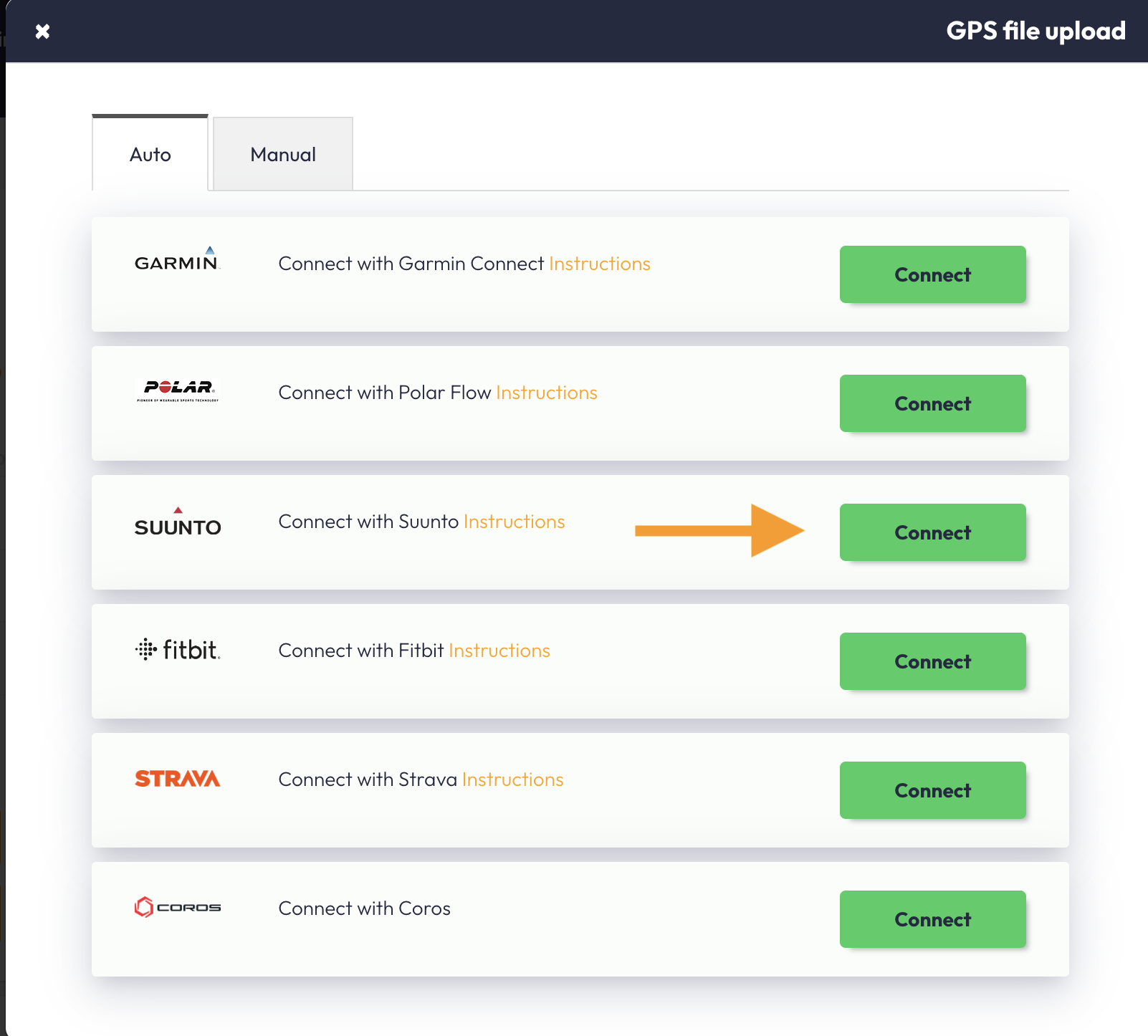
2. Click on the Suunto icon and on «Connect»
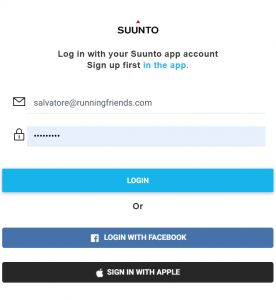
3. The following page will appear:
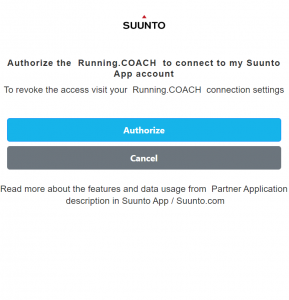
4. Almost done now! Authorize running.COACH to connect to your Suunto app account.
5. Running.COACH is now connected to Suunto. Your trainings will be automatically synchronized.
6. The synchronized sessions are optically marked and are ready for detailed logging. Your GPS track will be displayed on the map.
Note: Warm-up and cool-down have to be marked by pushing the lap button on your watch. Exception: In competitions, we assume that you register warm-up and cool-down as separate training sessions. If you don’t, the whole session (including warm-up and cool-down) will be displayed as competition in running.COACH. Intervals should be stopped by pushing the lap button. We recommend that you switch off the « autolap » function.